Introduction
For gaming enthusiasts, audio quality can significantly impact the overall experience. With the advanced capabilities of the PS5, finding headphones that can complement its audio output is crucial. Beats headphones, acclaimed for their sound quality and stylish design, are often a popular choice. But do they work with the PS5? This comprehensive guide will dive into the compatibility of Beats with PS5, offer step-by-step connection instructions, troubleshoot common issues, and suggest ways to optimize your gaming experience.

Understanding PS5 Compatibility with Headphones
The PS5 includes several audio output options like Bluetooth, USB, and the audio jack on the DualSense controller. Maximizing headphone use depends on understanding these options and recognizing how various headphones, like Beats, interact with them. However, the specifics of how these connections work fall short when tested with certain models of Beats headphones, mainly due to the PS5’s varying support for audio output features. Knowing what each connection offers improves your chance of achieving optimal audio quality.
Are Beats Headphones Compatible with PS5?
Determining compatibility requires assessing different Beats models. Many Bluetooth-enabled Beats headphones experience limitations due to the PS5’s lack of native Bluetooth audio capabilities. This can mean interruptions or complete failure to connect without additional tools, like adapters. Wired options seem more straightforward and minimally affected. Although not every Beats model seamlessly integrates with PS5 sound output, with the right configurations and setups, there is still potential for exceptional performance. Greater insight into connecting your Beats to the PS5 follows below.
How to Connect Beats Headphones to PS5
To connect Beats headphones effectively to your PS5, several methods present themselves:
- Using Bluetooth Connectivity:
- With the PS5’s native Bluetooth audio absence, invest in a Bluetooth adapter.
-
Plug the adapter into a PS5 USB port and pair it with your Beats per adapter guidelines.
-
Connecting via Audio Cable:
- The 3.5mm cable can connect directly to the DualSense controller.
-
For Beats with mode-switching, ensure it’s set to ‘wired’ mode.
-
Utilizing Wireless Transmitters:
- A suitable wireless transmitter can slot into the PS5’s USB port.
- Follow the transmitter’s setup instructions meticulously to maintain a consistent connection.
Effective connection lays the groundwork for enhancing your audio experiences. Upcoming, we delve into optimizing sound to enrich your gaming sessions.
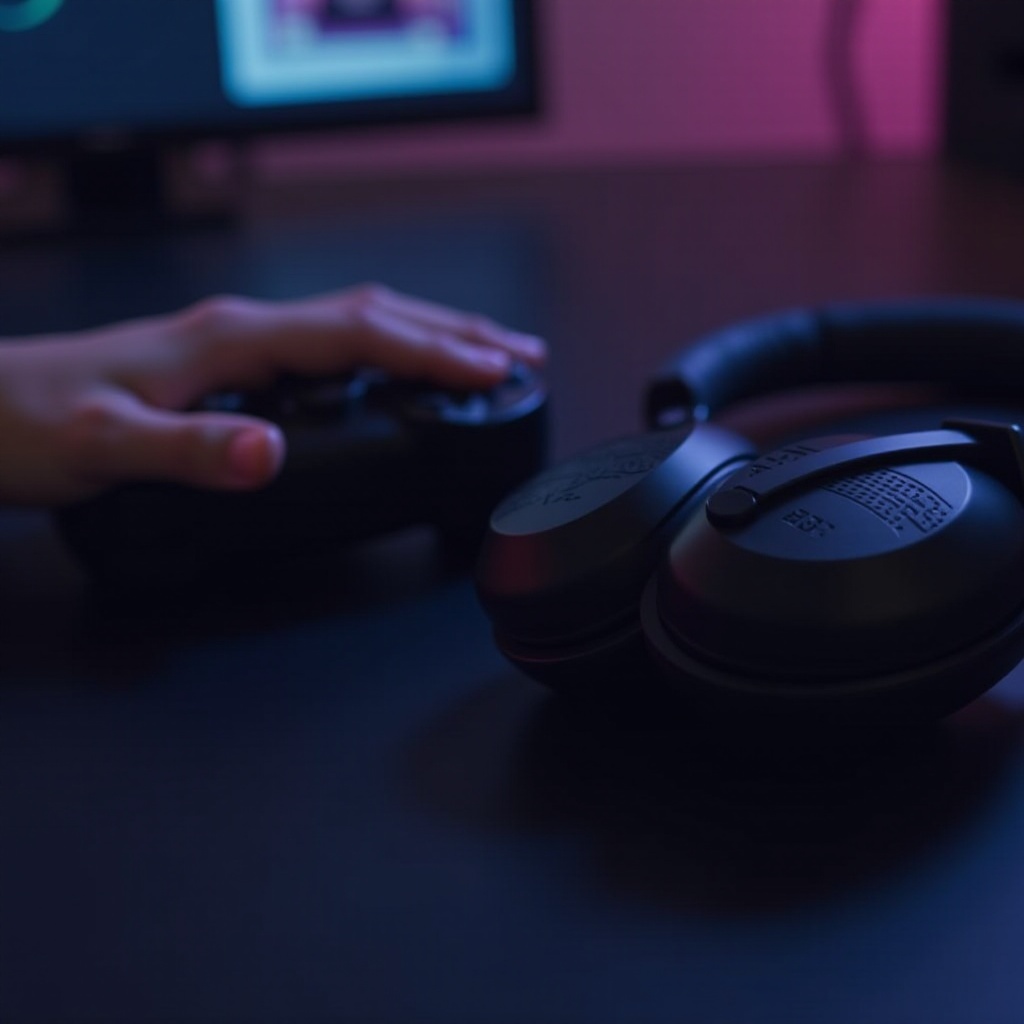
Enhancing Your Gaming Experience with Beats on PS5
Beats offer robust, dynamic sound features that can elevate your gaming to the next level:
-
Sound Quality: Beats’ sound profiles, especially those accentuating bass and clarity, enhance immersive play.
-
Noise Cancellation: For Beats models equipped with this feature, gameplay distractions are minimized, sharpening focus on in-game details.
-
Gaming Performance: Headphones like Beats can provide reduced latency, offering rapid responses to sound cues during intense play.
The key isn’t just enhancing audio but ensuring this setup remains consistent, which leads us to troubleshooting potential connectivity pitfalls.
Troubleshooting Common Issues
Challenges can arise despite the optimal setup of Beats with your PS5. Here are solutions to typical problems you might encounter:
- Solving Bluetooth Connectivity Issues:
- Confirm that PS5 system software is updated.
-
Re-assess Bluetooth adapter compatibility and re-initiate device pairing.
-
Addressing Audio Quality Concerns:
- Navigate PS5 audio settings to ensure the correct output selection.
-
Experiment with varying cables or alternate ports if wired.
-
Ensuring Compatibility with Software Updates:
- Regular updates to PS5 and third-party accessory firmware are vital.
- Device resets might be necessary for continued issues.
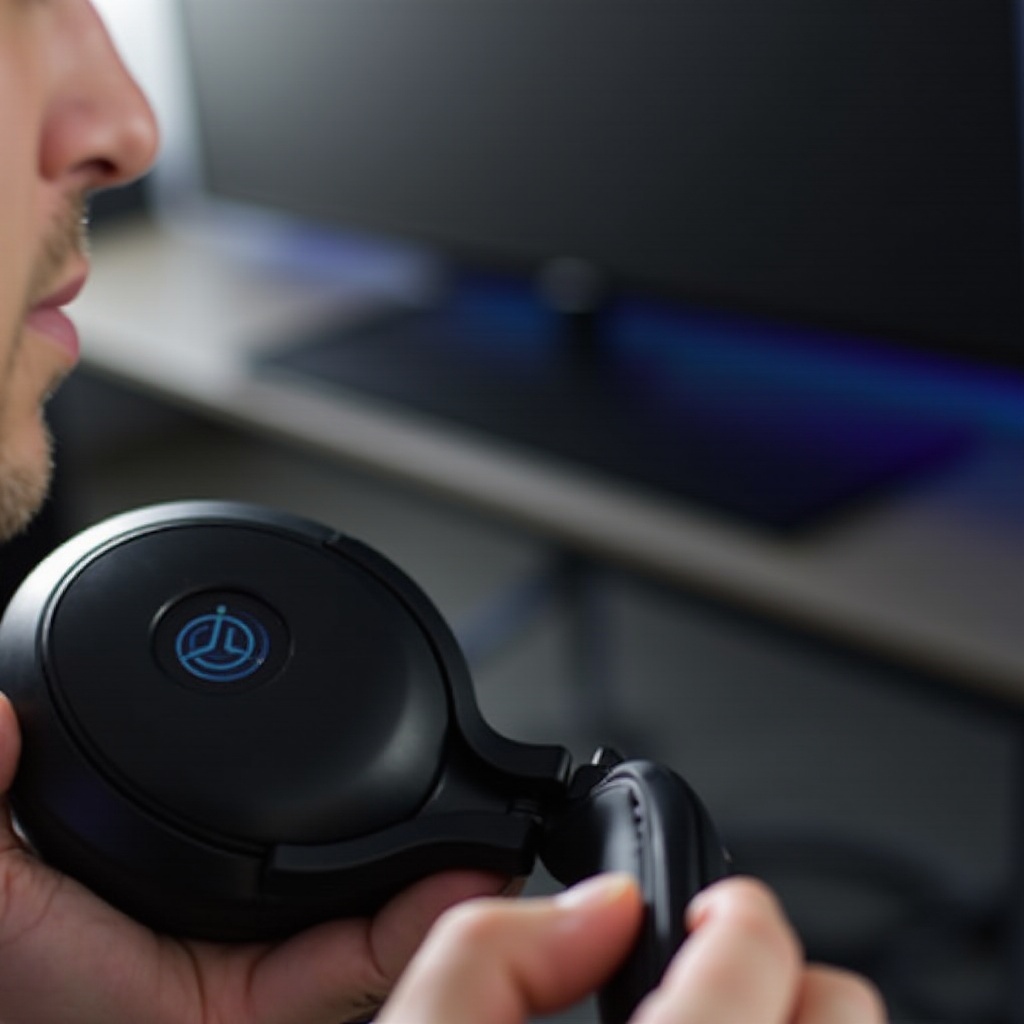
By mitigating these obstacles, you can nearly guarantee that your Beats headphones provide an unmatched auditory experience on the PS5.
Conclusion
Integrating Beats headphones with the PS5 demands some technical awareness, but it’s worth the effort for superior sound immersion. By addressing the compatibility issues and ensuring the right connections and settings, gamers can enjoy a heightened gaming experience. Invest in understanding your equipment today and elevate your experience to professional gaming standards.
Frequently Asked Questions
Can I use any Beats headphones with the PS5?
Not every Beats model directly connects due to PS5’s lack of native Bluetooth audio. Adapters or cables can extend compatibility.
What should I do if my Beats headphones won’t connect to my PS5?
Verify adapter compatibility, update device software, and reset connections. Wired might resolve persistent connectivity issues.
Are there better alternatives to Beats for PS5 gaming?
While Beats deliver excellent sound, other brands like SteelSeries or Astro might offer enhanced surround sound and mic functionalities.