Introduction
Knowing how to efficiently charge your Nintendo Switch controllers can greatly improve your gaming experience. Whether you use Joy-Con controllers or the Nintendo Switch Pro Controller, understanding the charging times and maintaining optimal battery health can ensure your gameplay is never interrupted. This guide delves into everything about charging Switch controllers, offering expert tips and solutions to common issues, so you can enjoy uninterrupted gaming.
Overview of Nintendo Switch Controllers
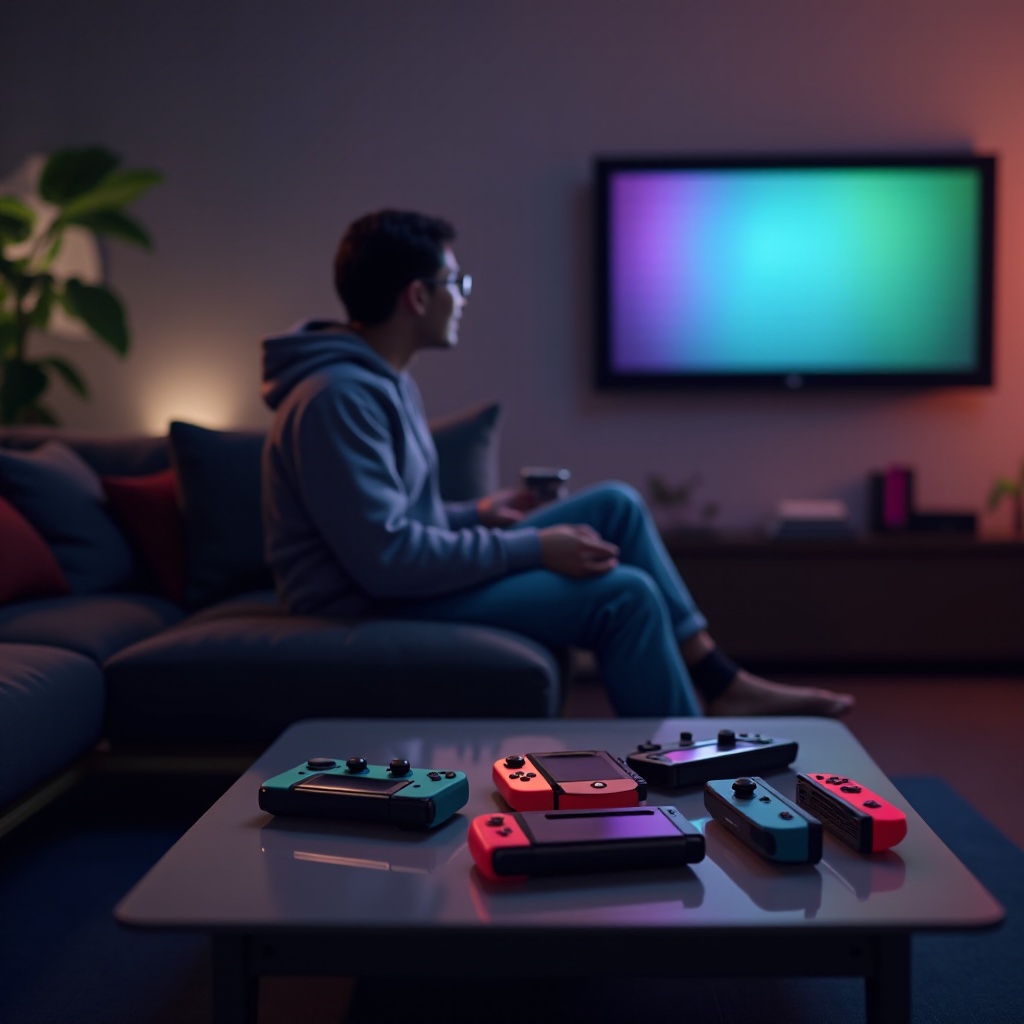
Nintendo Switch offers versatile controllers to meet different gaming preferences. Each has distinct charging requirements.
- Joy-Con Controllers: These come with the Nintendo Switch and are designed for flexible play. Features include motion sensors and HD Rumble for enhanced gaming experiences.
- Pro Controller: This is for those who prefer a traditional controller design, offering an ergonomic shape suitable for longer gaming sessions.
Both controller types house rechargeable batteries, making regular charging essential for performance.
Detailed Charging Timelines
Having a grasp on the standard charging times for each Nintendo Switch controller type helps you plan uninterrupted gaming sessions.
- Joy-Con Controllers: It typically takes about 3.5 hours to fully charge Joy-Con controllers from a low battery. They can be charged while attached to the Nintendo Switch console when it’s plugged in, or via a separate charging grip accessory.
- Pro Controller: For the Nintendo Switch Pro Controller, a full charge generally takes about 6 hours. This controller uses a USB-C cable for charging either through the Nintendo Switch dock or directly from a compatible power source.
An understanding of these timelines aids you in planning your gaming effectively.
Factors Affecting Charging Duration
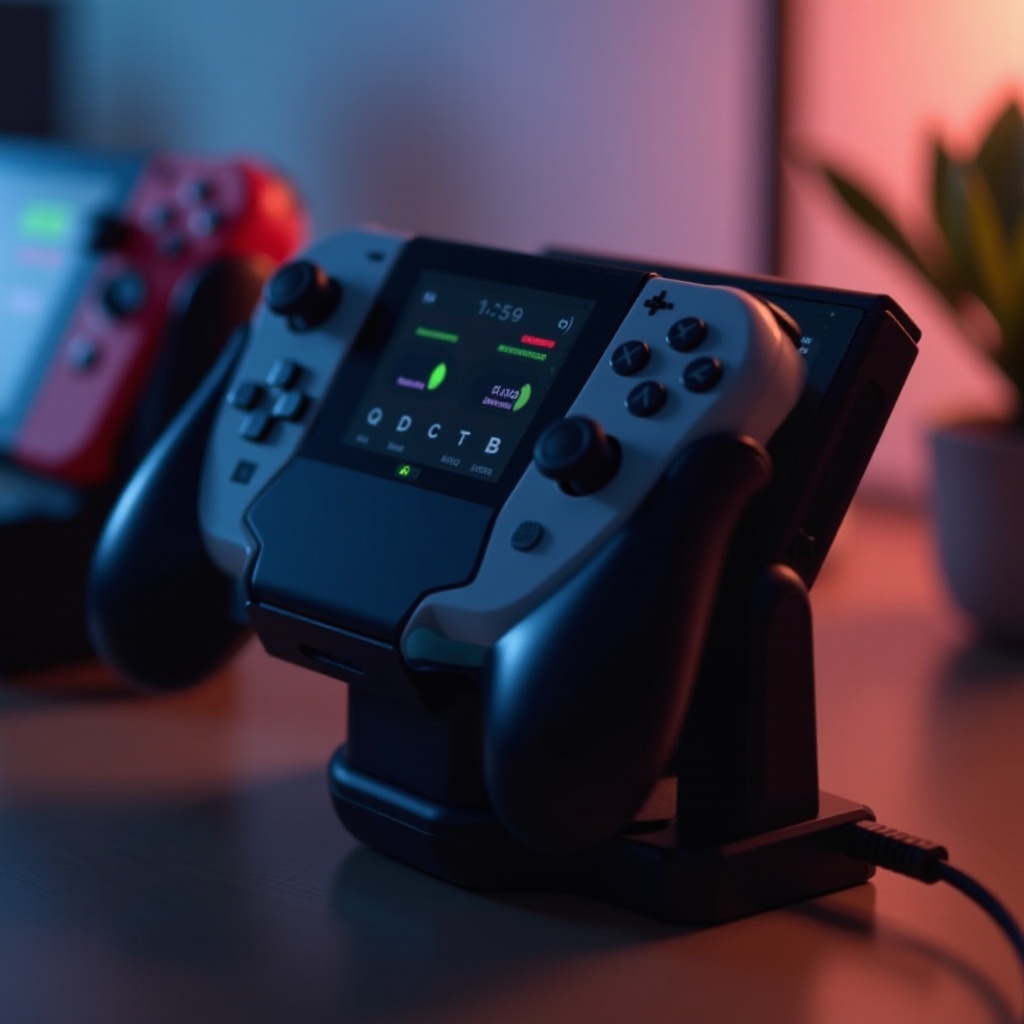
Standard charging times provide a baseline, but several factors can influence the time it takes to charge your controllers.
- Battery Health and Usage Patterns: Over time, the battery capacity of your controllers may degrade, leading to longer charging times and shorter usage periods. Regular use, such as frequent charging and discharging cycles, can impact battery life.
- Impact of Charging Accessories and Environment: The accessories used can greatly affect charging efficiency. High-quality cables and adapters designed for the Nintendo Switch are recommended for stable power delivery. Environmental factors, like temperature, can also influence charging; extreme temperatures may extend charging times.
Awareness of these factors helps in taking proactive measures for optimal charging durations.
Tips for Optimal Charging
Applying the right charging practices can maximize both the efficiency and lifespan of your Nintendo Switch controllers.
- Use Original or Certified Accessories: Always opt for original Nintendo accessories or certified third-party options for reliable performance.
- Monitor Battery Levels: Regularly check battery levels to avoid recharging controllers prematurely.
- Charge Before Storage: If storing controllers for extended periods, charge them to around 50% to help preserve battery health.
Implementing these guidelines ensures your controllers are ready whenever you are.
Troubleshooting Common Charging Issues
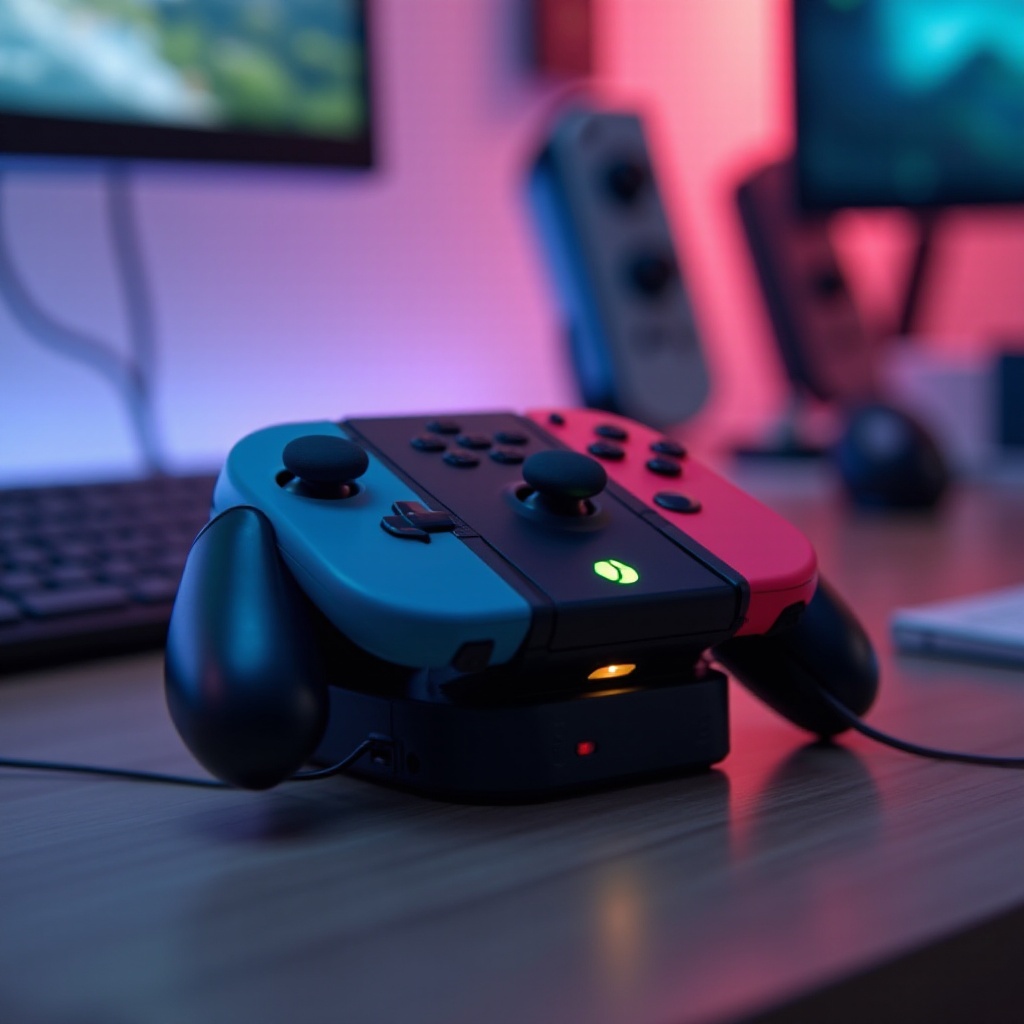
Charging issues can sometimes occur. Here’s how to identify and resolve them.
- Identifying Symptoms: Signs like controllers failing to charge or retaining a charge for shorter periods could indicate problems.
- When to Consider Repair or Replacement: If troubleshooting, like cleaning charging contacts or trying different cables, doesn’t resolve the issue, it might be time to consult a professional or consider replacing the battery.
Addressing these problems promptly ensures your controllers remain functional, keeping you focused on gaming.
Conclusion
Optimizing the charging of your Nintendo Switch controllers is vital for preserving battery health and enhancing your gaming experience. By comprehending the charging timelines, being aware of influencing factors, and adhering to best practices, you can enjoy seamless and uninterrupted gameplay. If issues surface, troubleshooting and seeking professional advice can offer solutions, ensuring you stay focused on enjoying your game.
Frequently Asked Questions
Can I use the controllers while charging?
Yes, you can use the Nintendo Switch controllers while they are charging, as long as they’re correctly connected to a power source.
How can I tell if my controller is fully charged?
When the Joy-Con controllers are fully charged, the indicator on the console shows a full battery bar. The Pro Controller’s LED light stops flashing when it’s fully charged.
Are there any signs I need to replace the battery?
Diminished battery life and longer charging times are signs that it may be time to replace your controller’s battery. Persisting issues despite troubleshooting indicate replacement is needed.