Introduction
Identifying the model of your Bose QuietComfort (QC) headphones is essential for maximizing their potential. These popular headphones, known for their superior noise-cancelling features and comfortable design, come in various models. This article guides you through the steps to determine which QC headphones you have, ensuring you receive all the benefits your device offers.
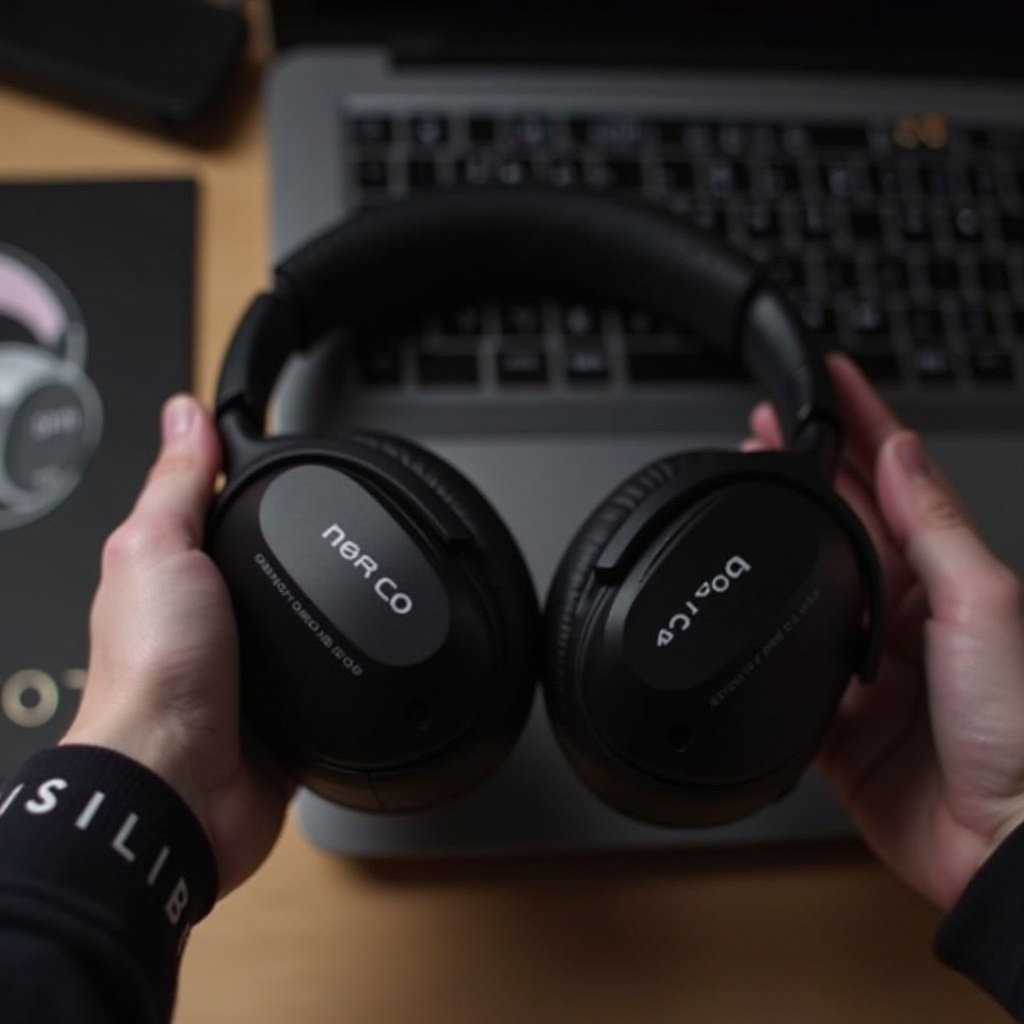
Understanding the Bose QC Series
The evolution of the Bose QuietComfort series reflects significant advancements in technology and user experience. This background knowledge is crucial for distinguishing among different models.
- History of the QuietComfort Line
Bose’s QuietComfort series initially set the standard for noise-cancelling headphones. Over the years, the line expanded, introducing models like QC15, QC25, and the wireless QC35, each enhancing sound quality and ease of use. - Key Features of Different Models
Each iteration of QC headphones comes with specific advancements. For instance, the QC15 had a wired connection and basic noise cancellation. In contrast, the QC35 introduced Bluetooth connectivity and adjustable noise-cancelling intensity. Recognizing these differences is key in identifying your model.
Locating the Model Number
Finding the model number remains one of the simplest ways to identify your headphones, providing definitive information about your model.
- Where to Find Model and Serial Numbers on Your Headphones
Check inside the earcup or under the padding on the headband for a small sticker or engraving containing the model and serial numbers. This information is vital for verification. - Understanding the Significance of Model Numbers
The model number is unique to each version, distinguishing features and capacities. For example, QC35 specifically denotes it’s part of the third generation, related to its technological capabilities.
Using the Bose Connect App for Identification
For those who prefer digital methods, the Bose Connect App offers a practical solution for identifying your headphones.
- How to Connect Your Headphones to the App
Download the Bose Connect App to your smartphone. Power on your QC headphones and set them to pairing mode. Follow the app’s instructions to establish a Bluetooth connection. - Navigating the App to Find Model Information
Once connected, the App displays essential information about your headphones, including the model and current firmware version. This technology simplifies the identification process.
Feature Comparison Between QC Models
Analyzing the features shared among different QC models provides additional clues to determine your headphones. This understanding connects you seamlessly to the resources for further identification.
- Noise Cancelling Capabilities
Different QC models offer various levels of noise cancellation. The QC35, for example, allows users to adjust the noise-canceling level, unlike its predecessors. - Design and Physical Characteristics
Compare physical design aspects—such as weight and bulkiness—between models. The sleek design of QC35 contrasts with the bulkier appearance of QC25. - Battery Life and Connectivity Options
Wireless models like the QC35 provide more battery life and connectivity options than traditional wired models. This increase in functionality highlights the evolution of user experience across the QC lineup.
Resources for Further Identification
While features and apps offer significant help, you might require additional resources to ensure accurate identification. Fortunately, Bose provides several avenues to support you in this quest.
- Bose Customer Support
If uncertainty persists, Bose’s customer service can confirm model details using the serial number or answer any specific questions you might have. - Online Forums and Communities
Online forums, such as Reddit or dedicated Bose communities, serve as valuable platforms where fellow users share experiences and offer advice for model identification. - Official Bose Website Resources
Bose’s official website contains detailed resources like user manuals and technical specifications, providing a reliable reference point for further verification.
Conclusion
By following this comprehensive guide, you should confidently identify your Bose QC headphones. From examining physical identifiers and exploring app capabilities to comparing distinctive features, each method contributes to accurately recognizing your model, thus optimizing your listening experience and support access.
Frequently Asked Questions
How can I verify the authenticity of my QC headphones?
You can confirm authenticity by checking model and serial numbers with Bose’s database or contacting their support for verification.
What should I do if I can’t find the model number on my headphones?
If the model number is not visible, use the Bose Connect App for digital identification, or contact Bose support for further assistance.
Are there significant differences in sound quality between QC models?
Yes, newer models generally feature improved sound profiles and enhanced noise-cancelling capabilities compared to their predecessors.