Introduction
A yellow line on your phone screen can be a real nuisance. It disrupts your viewing experience and often signals deeper issues needing attention. Understanding the root causes and learning how to fix this issue can save you from future headaches. With this guide, we’ll explore what causes these bothersome lines and how you can address them effectively, from simple DIY methods to more in-depth solutions.
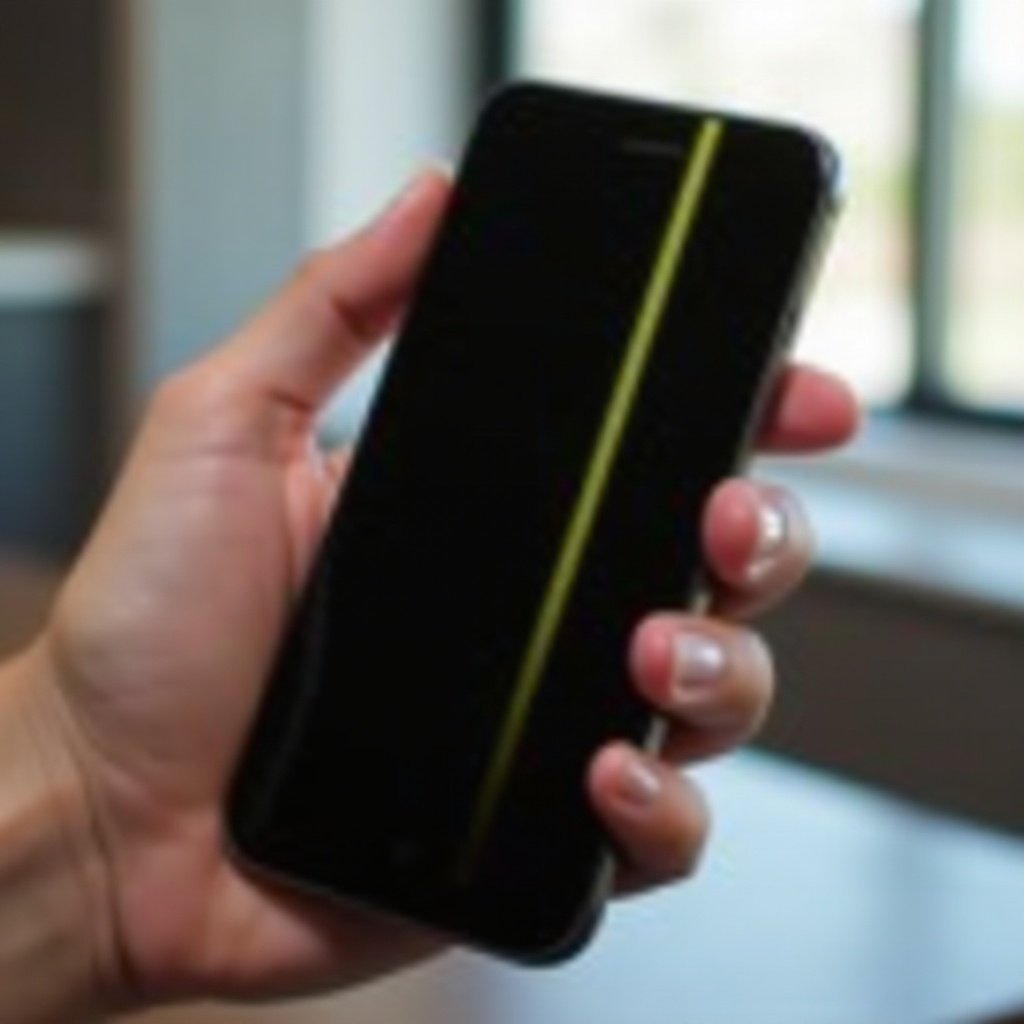
Understanding the Yellow Line on Phone Screens
Encountering a yellow line means pinpointing its source, whether it stems from hardware malfunctions or software glitches.
What is the Yellow Line?
Yellow lines indicate a visible distortion running across your phone’s display. They can manifest horizontally or vertically, alerting users to problems that may be hardware or software-related.
Common Symptoms and Signs
Key symptoms will tell you if you have a yellow line issue:
– A consistent yellow line fixed in place.
– Changes in brightness or persistent flickering.
– Manifestation after physical damage or updates.
Recognizing these signs allows for a targeted approach to finding a solution.
Causes of the Yellow Line on Phone Screens
To determine the best fix, it’s crucial to understand what causes the problem. These are generally divided into two main categories: hardware and software.
Hardware Issues
Physical damage often leads to screen anomalies such as:
– Loose display connectors from abrupt shocks.
– Pressure damage causing uneven pixel distribution.
Addressing these hardware causes often requires careful physical inspections.
Software Glitches
Sometimes, the issue results from within, such as:
– Software updates clashing with your phone’s existing settings.
– Malicious or corrupted applications affecting display integrity.
Fixing software glitches can prevent screen distortions from recurring.
Troubleshooting the Yellow Line Problem
Once the potential causes have been identified, you can employ certain troubleshooting techniques.
Basic Troubleshooting Steps
Here are a few easy steps to try first:
1. Restart Your Phone: Resolving minor glitches with a quick reboot.
2. Enter Safe Mode: Identifying problematic apps causing screen issues.
Advanced Solutions
If basic steps fail, consider the following:
1. Factory Reset: Ideal for resolving deep-seated software problems. Don’t forget to back up important data.
2. Professional Repair Services: Necessary for suspected hardware damages.
For those keen on self-repair, let’s dive into DIY methods next.
DIY Fixes for Software-Related Causes
DIY solutions for software issues don’t require you to be a tech expert.
Updating Software
Regular updates ensure stable performance:
– Go to ‘Settings’ > ‘System’ > ‘Software Update’.
– Follow prompts to download and install updates.
Running Diagnostic Tools
Using embedded diagnostic tools can help:
– Access these via ‘Settings’ > ‘About Phone’ > ‘Diagnostics’.
These tools can highlight issues and recommend solutions.
DIY Fixes for Hardware-Related Causes
Addressing hardware issues at home is more challenging but possible for particular problems.
Screen Calibration
Screen calibration can correct color errors:
– Utilize apps like ‘Touch Screen Calibration’ for Android.
– Adhere to on-screen instructions for optimal calibration results.
Reconnecting Loose Cables
With caution, you can attempt cable reconnection:
1. Turn off the device.
2. Remove the back cover using appropriate tools if possible.
3. Examine internal cable connections, gently securing any that are loose.
Always be cautious, as incorrect handling can worsen the problem.
Preventive Maintenance Tips to Avoid Yellow Lines
Using preventive care reduces the risk of persistent issues, keeping your device in good health.
Physical Protection
Safe handling prevents recurring damage:
– Equip your phone with protective gear, like cases and screen shields.
– Avoid exerting pressure on the touchscreen.
Software Maintenance
Regular maintenance promotes healthy software:
– Uninstall harmful or unused apps.
– Run diagnostics periodically to catch early signs of problems.
Establishing these preventive practices can significantly extend your device’s lifespan.

Conclusion
By understanding and diagnosing yellow lines on your phone, you take the first step towards resolution and prevention. Whether the issue arises from minor software conflicts or more intricate hardware problems, the methodologies described can help. Balancing between DIY solutions and opting for professional repairs when necessary ensures you maintain the device’s integrity and functionality.
Frequently Asked Questions
How serious is the yellow line issue on phone screens?
Yellow lines might indicate underlying issues. Minor cases can often be fixed with home solutions, but persistent problems should be checked by a professional.
Can a factory reset solve the yellow line problem?
A factory reset may resolve software-related yellow lines. It clears system errors causing visual disturbances, but always remember to back up your data.
When should I consult a professional for screen issues?
If DIY solutions do not resolve the issue or if you suspect hardware damage, seeking professional assistance is advisable to prevent further complications.